Mechs vs Kaiju's Ragdoll Codes and How to Redeem Them
All codes the developer lists for Mechs vs Kaiju's Ragdoll in one table with reported rewards, plus the like, favorite and group requirements and the exact in-game Robux Shop redemption steps.
Quick answer
Mechs vs Kaiju's Ragdoll codes are published by the developer in the official Roblox game description and redeemed inside the running game: click the ROBUX SHOP button, scroll to the bottom, enter the code in the TYPE A CODE box and click REDEEM. Codes only work after you like the game, favorite it and join the Mechs vs Kaiju Studios group. The full developer list, with each code's reported reward and status, is in the table below.
The developer's code list
The official game description on Roblox collects every code under a CODES (ROBUX SHOP) heading. Redemption happens inside the running experience, not on a website. And being listed by the developer is not a promise that a code still works — code trackers note codes can stop working without notice. Each row below carries the date its reported reward and status come from.
Codes and rewards
Like and favorite the Roblox experience and join the Mechs vs Kaiju Studios group before redeeming.
How to redeem1KACTIVESource checked:
500KVISITSSource checked:
BUGFIXSource checked:
BUGSSource checked:
DRILLSource checked:
LUCKYPACKSSource checked:
NEXTSource checked:
RELEASESource checked:
SORRYFORBUGSSource checked:
UPDATESource checked:
| Code (click to copy) | Rewards | Status | Source checked |
|---|---|---|---|
1KACTIVE | 1,000 Scraps | Reported active | |
500KVISITS | 1 Pack | Reported active | |
BUGFIX | 1 Lucky Pack | Reported active | |
BUGS | 1 Lucky Pack | Reported active | |
DRILL | 2 Packs | Reported active | |
LUCKYPACKS | 500 Scraps | Reported active | |
NEXT | 3 Packs | Reported active | |
RELEASE | 300 Scraps | Reported active | |
SORRYFORBUGS | 2 Packs | Reported active | |
UPDATE | 2x Scrap Boost (10 Minutes) | Reported active |
Code list at a glance
On the reward specifics themselves: two further code guides, both from mid-November 2026, agree with RobloxDen on the details for RELEASE (300 Scrap), UPDATE (2x Scrap for 10 minutes), BUGS and BUGFIX (1 Lucky Pack each), SORRYFORBUGS (2 Packs) and NEXT (3 Packs). For DRILL, 500KVISITS, 1KACTIVE and LUCKYPACKS, those guides only say 'free rewards', so the exact amounts shown for them rest on RobloxDen alone — whose wording for 500KVISITS, 'a Packs', most plausibly means a single pack.
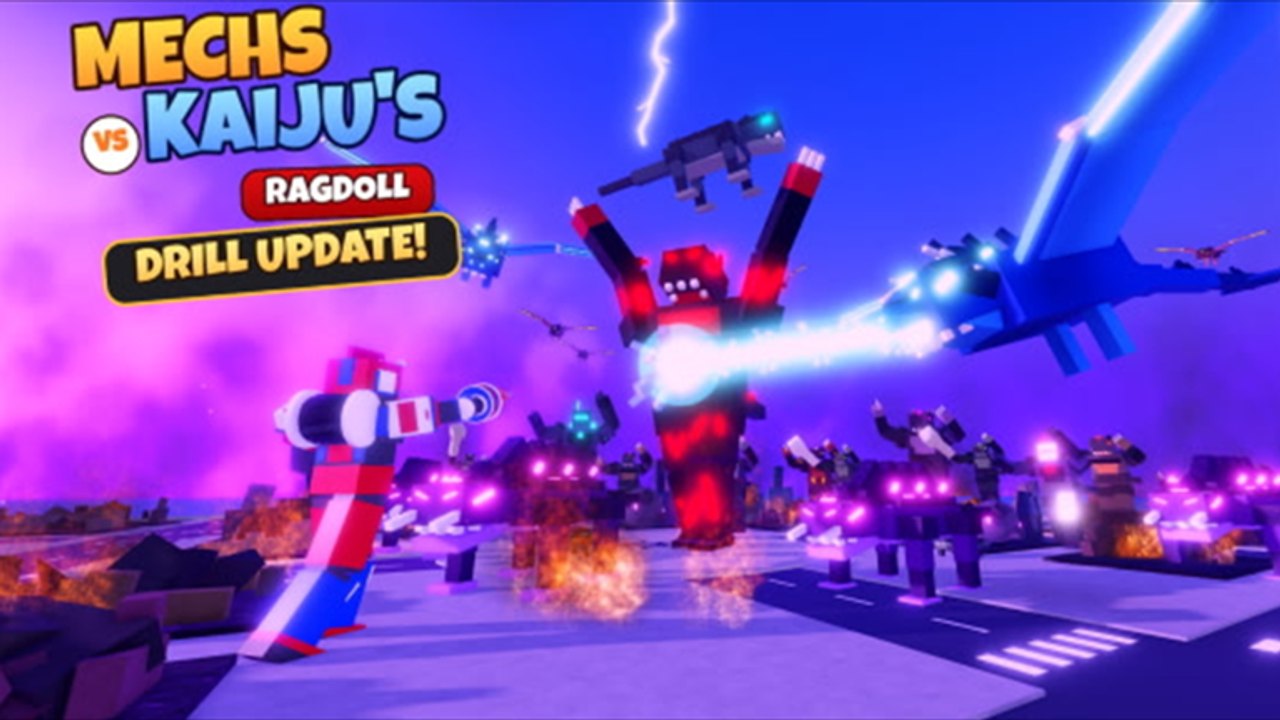
Scrap codes feed the pack loop the developer itself describes — its Early Release notes mention opening mech packs with scrap in the lobby — while BUGS and BUGFIX hand out Lucky Packs directly. For more on each piece, see the guides on mech packs, how to get scrap and lucky packs.
The like, favorite and group requirements
The gate is the developer's own rule. The description's code section reads 'like + favorite + join our group to use them!', and the Mechs vs Kaiju Studios announcement for the Early Release update went further, calling its codes something 'for group members'. The game's fan wiki says these three steps 'unlock code redemption' and lists skipping them as its headline day-one mistake — players left 'wondering why codes fail'.
Do the three steps on the game's Roblox page before entering anything:
Checklist
- Like the game
Use the like control on the official Mechs vs Kaiju's Ragdoll page on Roblox.
- Favorite the game
Same place — mark the experience as a favorite from its Roblox page.
- Join the Mechs vs Kaiju Studios group
The Early Release announcement framed its codes as being for group members.
How to redeem a code in the Robux Shop
With the requirements out of the way, redemption is short:
- Launch Mechs vs Kaiju's Ragdoll on Roblox.
- Click the ROBUX SHOP button at the top-right corner of the screen.
- Scroll down to the bottom of the shop — that is where codes are entered.
- Paste or type the code into the TYPE A CODE box.
- Click REDEEM to collect the reward.
If a code doesn't work
When a code fails, the causes reported for this game fall into a few buckets:
Problems and fixes
The code is rejected
A like, favorite or group step is missing
Suggested responseComplete all three requirements, then enter the code again — the fan wiki calls skipping them the classic reason codes fail.
The code is rejected
Typo or wrong capitalization
Suggested responseEnter the code exactly as shown in the table; RobloxDen reports these codes are case sensitive.
The code is rejected
Already redeemed on the account
Suggested responseYekPeak reports each code works once per account, so a previously claimed code cannot be claimed again.
A listed code no longer works
Codes can stop working without notice
Suggested responseClaim rewards soon after they are posted, and use the Source checked date beside each code to see how recent the report behind that row is.
Expired codes
Expired code archive
No codes are currently listed as expired.
A code moves to this archive only when a source check confirms it has stopped working. None of the current listings publish an expiry date, and a missing expiry does not mean a code lasts forever.
Code sources
Sources and check records
Reported statuses reflect source listings. Tested statuses reflect in-game redemption checks. Source-check dates are shown beside each code.
- bloxarchive.com
1KACTIVE· Source checked:500KVISITS· Source checked:BUGFIX· Source checked:BUGS· Source checked:DRILL· Source checked:LUCKYPACKS· Source checked:NEXT· Source checked:RELEASE· Source checked:SORRYFORBUGS· Source checked:UPDATE· Source checked:
- mrguider.org
1KACTIVE· Source checked:500KVISITS· Source checked:BUGFIX· Source checked:BUGS· Source checked:DRILL· Source checked:LUCKYPACKS· Source checked:NEXT· Source checked:RELEASE· Source checked:SORRYFORBUGS· Source checked:UPDATE· Source checked:
Where new codes come from
Every code released so far has come straight from the developer: the game description's CODES section and announcements in the Mechs vs Kaiju Studios group. The first batch — RELEASE, UPDATE, BUGS, BUGFIX, SORRYFORBUGS and NEXT — went out with the Early Release update, and the four later additions DRILL, 500KVISITS, 1KACTIVE and LUCKYPACKS appear in the newer Drill Update-era description. The description also warns the game is still being built, with 'new updates often' expected — new codes have shown up alongside updates so far, so it is worth re-checking the description and the table above after a patch. The updates page tracks what each update changes.